

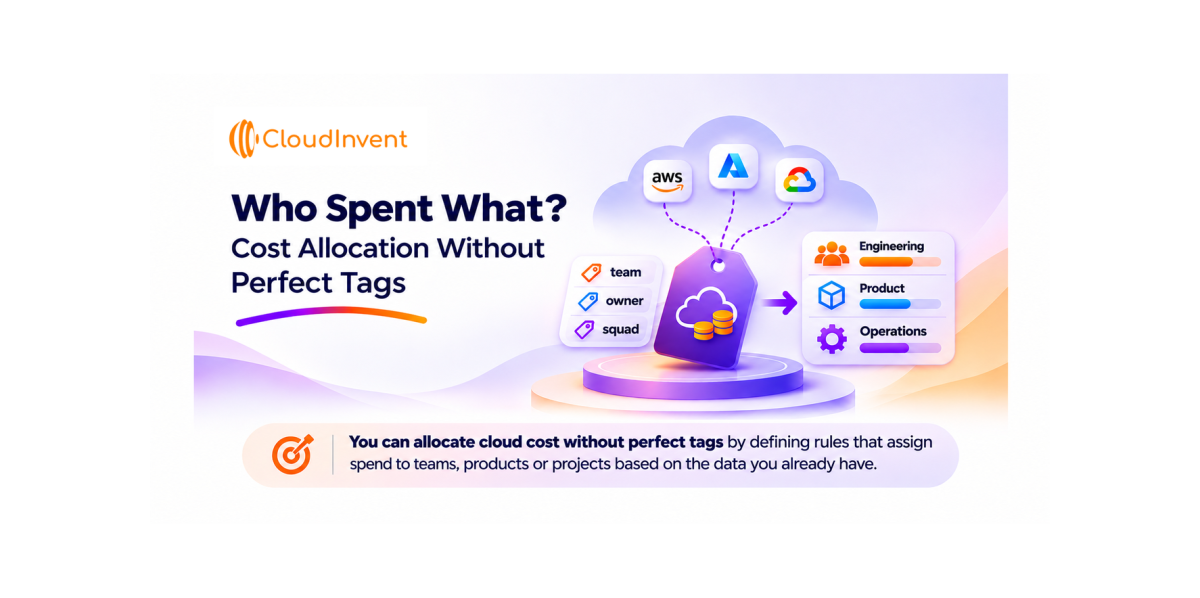
You can allocate cloud cost without perfect tags by defining rules that assign spend to teams, products or projects based on the data you already have. Tagging rules fill the gaps left by missing or inconsistent tags, and budgets then track each owner's spend and roll it up to the next level.
Why tags never get to 100%
Every FinOps playbook says to tag everything. In practice, tags break down for the same reasons in every company:
New services launch
New services launch before tagging standards catch up.
Inconsistent tag keys
Engineers use different keys for the same idea: team, Team, owner, squad.
Untagged resources
Some resources cannot be tagged at all.
Inherited conventions
Acquired or inherited accounts follow other conventions.
Waiting for perfect tags means waiting forever.
Finance asks the same question every month: Who spent this?
Rules instead of reminders
A tagging rule says: if a resource matches this condition, assign it to this owner. The condition might be an account, a project, a name pattern, a cloud-native tag or a custom tag you define.
Rules do three things reminders cannot:
They work retroactively.
Cost is allocated without anyone editing a resource.
They normalize.
Several inconsistent tag keys can map to one owner.
They are visible.
Anyone can see why a cost landed where it did.
Budgets turn allocation into accountability
Allocation tells you where money went. A budget tells you whether that is acceptable. When each team has a budget tied to its allocated cost, and utilization rolls up to parent budgets, three things become possible:
Team leads
See their own spend against their own limit.
Department heads
See the combined picture without a spreadsheet.
Finance
See the total against the plan.
How CloudInvent does it
CloudInvent lets you create budgets, define tagging rules for cloud-native and custom tags, and see cost allocated with utilization rolled up to parent budgets. It works across AWS, GCP and Azure, so a team that runs on more than one cloud has one budget, not three.Because cost is shown on a net amortized basis, the numbers that land in each budget match the numbers finance reviews.
Five steps to get started
Pick your allocation dimensions
Team, product, environment, or whatever finance reports on.
List the owners
And set a budget for each.
Write rules
For the tags you have, and for the patterns you can match when tags are missing.
Review the unallocated cost
Weekly, and write rules to shrink it.
Roll up
To departments and the company, so every level sees the same truth.
Start with the data you have. Improve allocation as you go.
Frequently asked questions
Do I need to fix my tags first?
No. Rules let you allocate with the tags you have, and you can improve tagging over time.
Can I use custom tags?
Yes. Rules can use cloud-native tags and tags you define yourself.
What about multi-cloud?
The same budgets and rules apply across AWS, GCP and Azure.